
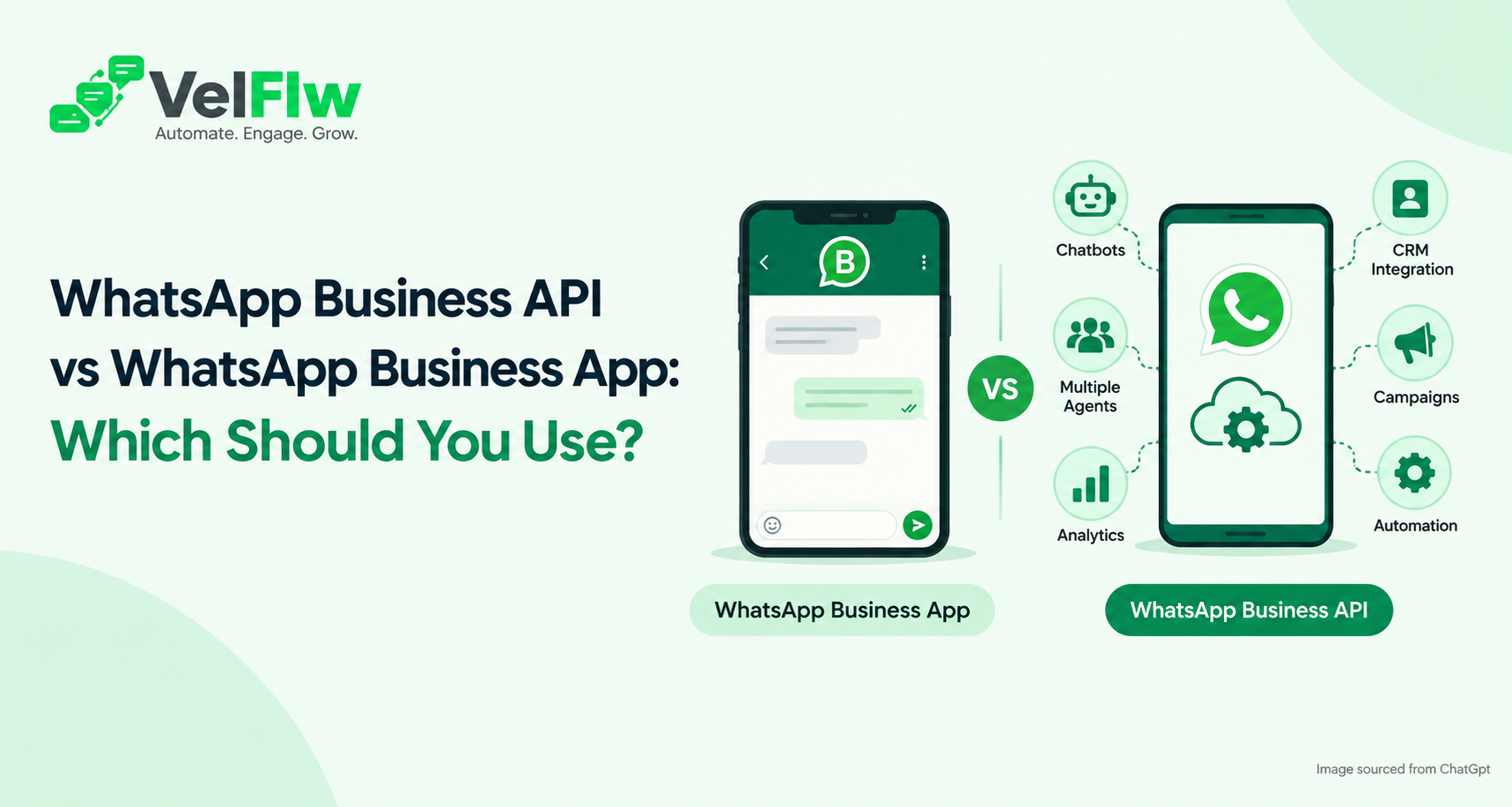
WhatsApp Business API vs WhatsApp Business App: Which Should You Use?
Choosing between the WhatsApp Business API and the WhatsApp Business App is one of the first decisions a business makes when it moves beyond casual chats with customers. Both let you talk to customers on WhatsApp, but they are built for very different stages of growth.
Quick answer
Use the WhatsApp Business App if you run a small business where one or two people reply to customers from a phone. Choose the WhatsApp Business API if you need automation, chatbots, multiple agents, CRM integration, or large-scale campaigns. The right pick depends on your message volume, team size, and how closely WhatsApp needs to connect with your other business tools.
What Is the WhatsApp Business App?
The WhatsApp Business App is a free app for Android and iPhone, designed for small businesses. It looks and feels like regular WhatsApp, with extra tools: a business profile, a product catalogue, quick replies, labels, greeting messages, and away messages.
It works well when you are starting. You install it, verify your number, and begin chatting the same day. There is no developer, no setup fee, and no third-party software.
The limits show up as you grow. The app is tied to a phone and supports only a handful of linked devices. Broadcast lists are capped at 256 contacts and only reach people who have saved your number. There is no direct CRM integration, no real chatbot builder, and no proper reporting on campaign results.
What Is the WhatsApp Business API?
The WhatsApp Business API is the official interface that lets companies connect WhatsApp with software such as CRMs, chatbots, support tools, e-commerce stores, and custom applications. Unlike the app, it has no interface of its own. You access it through a platform, often called a Business Solution Provider (BSP), which supplies the inbox, automation tools, and dashboards.
Most businesses today use the WhatsApp Cloud API, Meta's cloud-hosted version. It removed the need to host your own servers and made setup much simpler.
Because the WhatsApp Business API connects to software, you can send automated order confirmations, run chatbot conversations, assign chats to team members, and track campaign results without anyone typing on a phone.
WhatsApp Business API vs Business App: Key Differences
Feature | WhatsApp Business App | WhatsApp Business API |
|---|---|---|
Best for | Solo owners, small businesses | Growing and large businesses |
Setup | Download and verify your number | Set up through a platform, with business verification |
Team access | One phone plus a few linked devices | Multiple agents in a shared inbox |
Automation | Greeting, away, and quick replies | Triggered workflows and automated journeys |
Chatbots and AI | Not natively supported | Supported |
Broadcasts | Lists limited to 256 saved contacts | Template-based, segmented campaigns |
CRM integration | None | APIs and webhooks |
Analytics | Basic message stats | Delivery, read, click, and response tracking |
Forms and flows | Not available | Available |
Cost | Free | Meta message charges plus platform fees |
How the Two Compare in Practice
Automation and chatbots
The Business App's automation stops at greeting and away messages. The WhatsApp Business API can trigger messages from real events, such as a purchase, a form submission, or a booked appointment. It can also power a WhatsApp chatbot that answers FAQs, qualifies leads, and hands the conversation to a human when needed. For businesses answering the same questions all day, this is usually the biggest reason to switch.
Team collaboration
On the Business App, a shared number gets messy fast. Who replied? Who owns this lead? An API platform gives you a team inbox where you can assign conversations, transfer chats between agents, and keep full conversation history in one place.
Broadcasts and campaigns
App broadcast lists are small, and messages only arrive if the customer has saved your number. With the API, you send approved message templates to segmented audiences and track delivery, reads, clicks, and responses. This suits product launches, offers, event announcements, and re-engagement campaigns.
Integrations and WhatsApp CRM
The API connects WhatsApp with your CRM, website, e-commerce platform, and internal software through APIs and webhooks. A lead captured in a WhatsApp conversation can land in your CRM automatically, with no copy-pasting between tools.
WhatsApp forms and flows
With the API, you can collect names, emails, appointment details, or product preferences inside the chat. Customers never have to leave WhatsApp for a separate landing page.
Compliance and message templates
When you start a conversation outside the 24-hour customer service window, the API requires pre-approved message templates, and customers must opt in. This is stricter than the app, but it protects message quality and keeps your number in good standing.
Is WhatsApp Business API Free?
Not in the way the Business App is. The app is free to download and use. The WhatsApp Business API usually has no traditional licence fee for access itself, but you can incur Meta's messaging charges plus the cost of the platform you use.
Your total WhatsApp Business API pricing typically depends on:
The message category (marketing, utility, authentication, or service)
Your message volume
The country of your recipients
The platform plan you choose
Meta updates its pricing model from time to time, so always check its official pricing page for current rates. A practical tip: well-designed automation keeps costs under control, because many customer-initiated conversations are handled by replies rather than by paid business-initiated templates.
Which One Should You Use?
Choose the WhatsApp Business App if:
One or two people handle chats from a single phone
You get a manageable number of enquiries each day
You don't need automation, chatbots, or CRM connections
You are testing WhatsApp as a channel on a tight budget
Choose the WhatsApp Business API if:
Multiple team members need to work from the same number
You want chatbots or AI-driven replies
You run campaigns that need segmentation and analytics
You want WhatsApp connected to your CRM, store, or app
Slow lead response is costing you sales
Your message volume is growing
Think about how this plays out in different businesses. A home baker taking orders from a few regular customers is well served by the app. A coaching institute handling hundreds of admission enquiries needs the API to automate replies and route counsellors. A clinic sending appointment reminders, an online store sending order updates, and a real estate team following up on property enquiries all fit the API better.
Can You Move from the Business App to the API?
Yes, and many businesses do exactly that once volume grows. A few things to plan for:
Your number must be registered for API use, and whether it can run on both the app and the API at once depends on Meta's current options. Confirm this with your provider.
Export important contacts and chat history before you switch.
Prepare your message templates and opt-in process in advance.
A good platform will walk you through the migration so you don't lose your number or customer relationships.
How to Get Started with the WhatsApp Business API
Getting started is simpler than most businesses expect:
Connect your business. Link your WhatsApp Business account and business assets.
Add your phone number. Configure the number you want to use for customer communication.
Create your templates. Build message templates for notifications, marketing, and other communications.
Build your automation. Set up bots, workflows, forms, and campaigns.
Start communicating. Send messages, manage conversations, and support customers from one workspace.
With Velflw, you can run these steps and manage conversations, automation, broadcasts, CRM, and analytics from a single platform, without needing to build everything from scratch.
Frequently Asked Questions
What is the main difference between the WhatsApp Business API and the WhatsApp Business App?
The app is a free, phone-based tool for small businesses. The API connects WhatsApp to software, enabling automation, chatbots, multiple agents, CRM integration, and campaign analytics.
Can I use WhatsApp Business API and the Business App together?
It depends on Meta's current options for your number. Historically, a number could run on one or the other. Check with your provider for what is available now.
Do I need technical knowledge to use the WhatsApp Business API?
The API is designed for software integration, but a platform with a visual interface removes most of the technical work, so you can set up chatbots and campaigns without coding.
Can I send bulk messages with the WhatsApp Business API?
Yes, using approved message templates and opted-in contacts. Campaigns must follow WhatsApp's policies, and you can segment audiences and track results.
Is the WhatsApp Business API better for small businesses?
Not always. If you have a small team and simple needs, the Business App is enough. The API makes sense once you need automation, shared inboxes, or integrations.
Ready to Take the Next Step with WhatsApp Business API?
Simplify customer conversations, automate routine tasks, and manage campaigns from one place with Velflw. Whether you're looking to improve team collaboration or streamline customer communication, Velflw can help you manage it all in one place.
Sign up with Velflw to get started, or contact our team to request a demo and explore the right solution for your business.